Using Gemini to stitch images
I gave Google Gemini two reference photos of Georges Island and asked it to stitch them together, some language around artistic options, and leave the actual place mostly alone. The sky, fog, and water were fair game. The island and lighthouse were not.
The Exact Prompt
Can you stitch these together; then add thick fog obscuring the background, and change the lighting/sky to be very dark at the top, and amazingly shadowed image. Skies of dark orange and rusts and periwinkle in seamlessly smooth gradient to dark. Water is if a very very long exposure. Dark at the bottom of the panorama, almost to black. Good luck, but keep the island and lighthouse mostly unchanged except for lighting and slight tweaks to contrast/saturation etc as required. Very tight artistic photographic integrity to the original. Skies and water are where the adjustments can be made, but the image must remain valid and cohesive artistically.
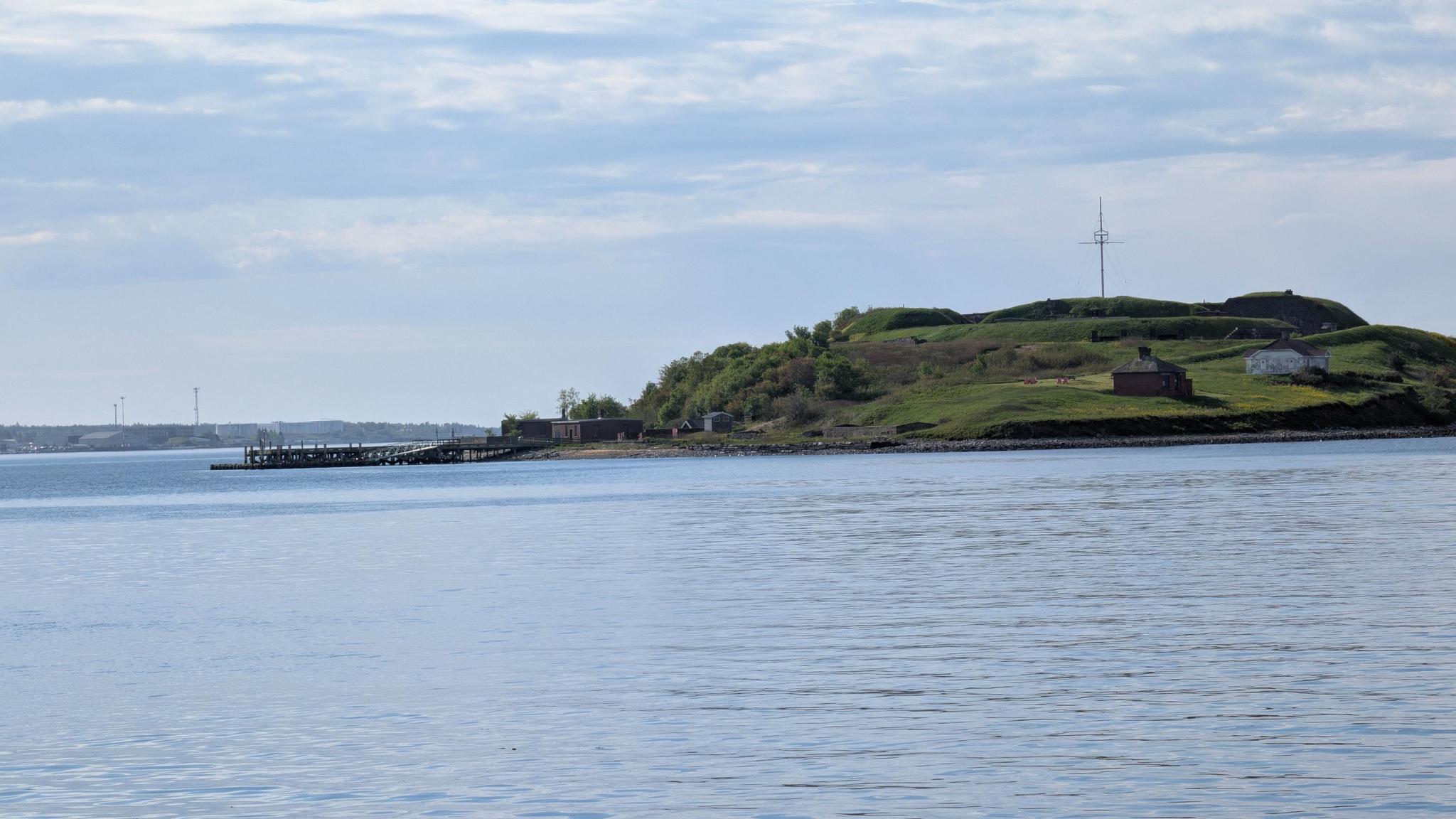
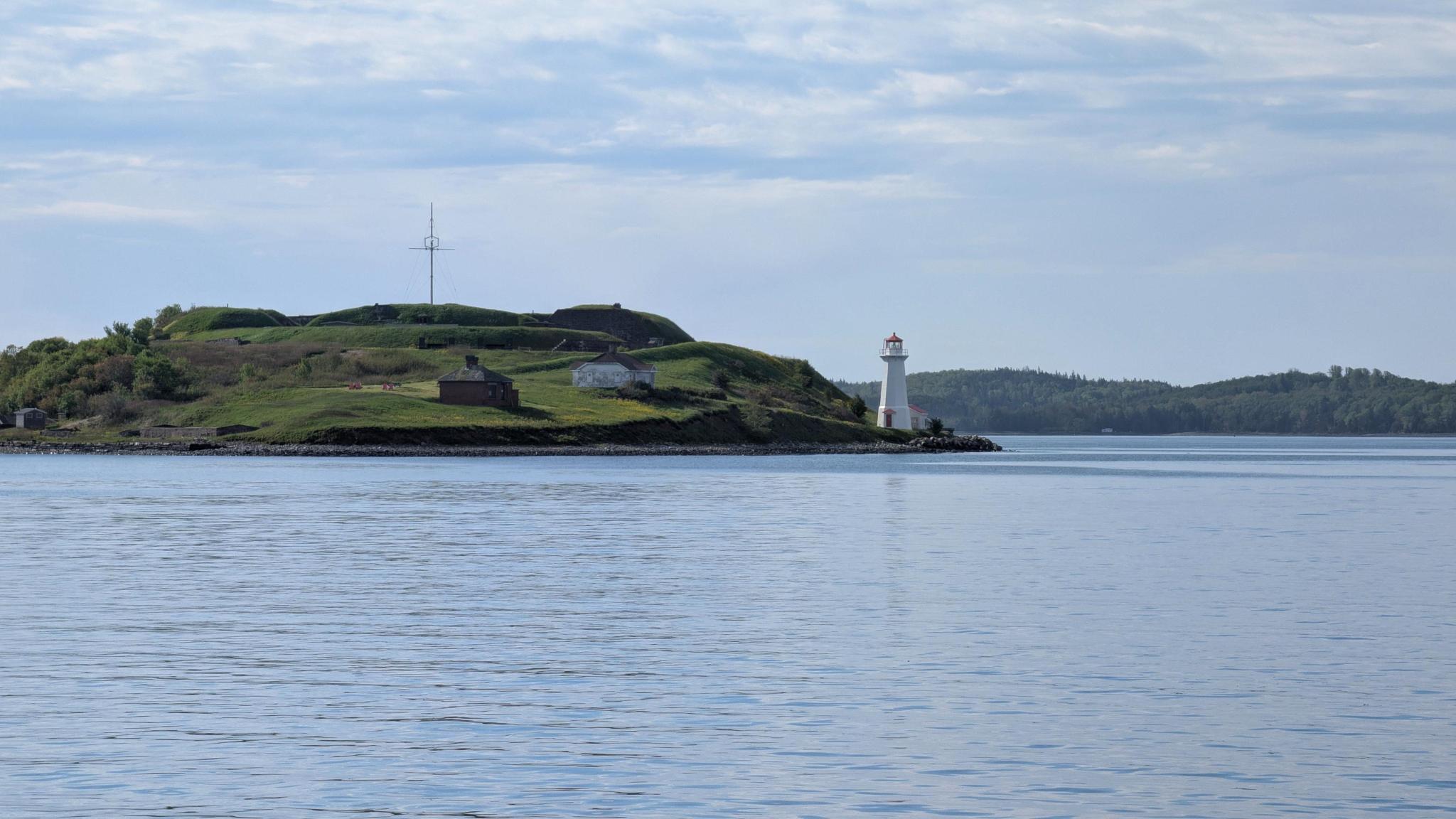
These were the two source images I handed over.
What Gemini Sent Back
The result is surprisingly faithful to the structure of the original scene.
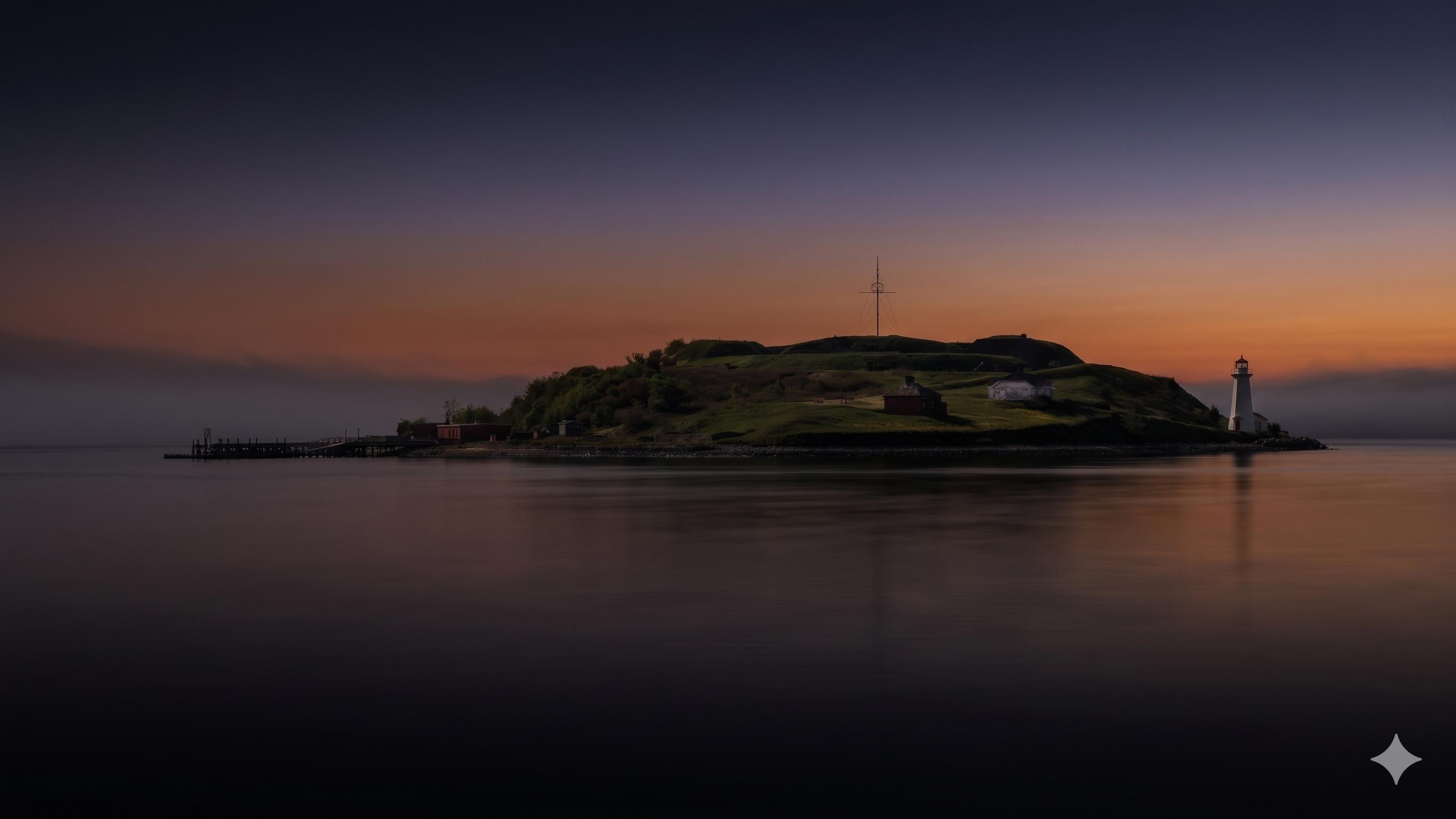
I have to admit the end result surprised me. There’s some inconsistencies in the area on the far left; building windows are incorrect and it seems there is some duplication on the rocks; my source images were not carefully taken or even well planned. These were simply from my walk before work.